

Where to find integrations
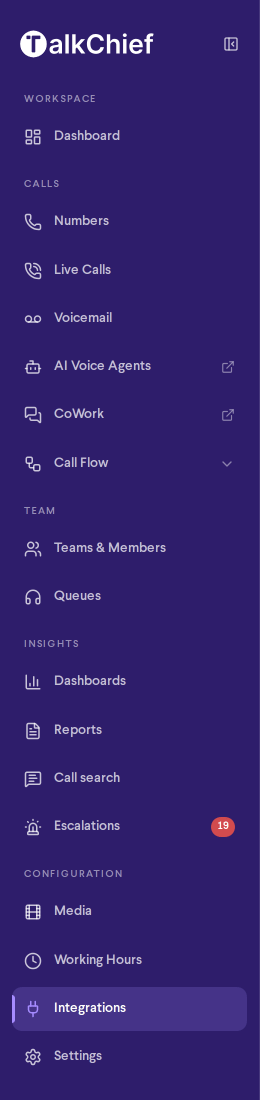
Everything that connects TalkChief to other systems is in one place: Integrations under Configuration in the sidebar. Only company admins see it. The page has three tabs:- CRM: connect HubSpot, Salesforce, Microsoft Dynamics 365, monday.com, Pipedrive, Freshsales, HighLevel, Zendesk, ActiveCampaign, Bitrix24, Zoho, Zoho PhoneBridge, Fireberry and Comeunity. See CRM integrations.
- CDR Webhook: send a record of every completed call to up to 10 endpoints. See CDR webhook.
- API: your Company ID, base URL and API keys, plus the Click-to-Call, AI Transcription and OpenAPI references. See Developer APIs.
Click-to-Call, AI Transcription and the CDR webhook used to be under Settings > Integrations. They moved to Integrations, and old links to the Settings page open the API tab.
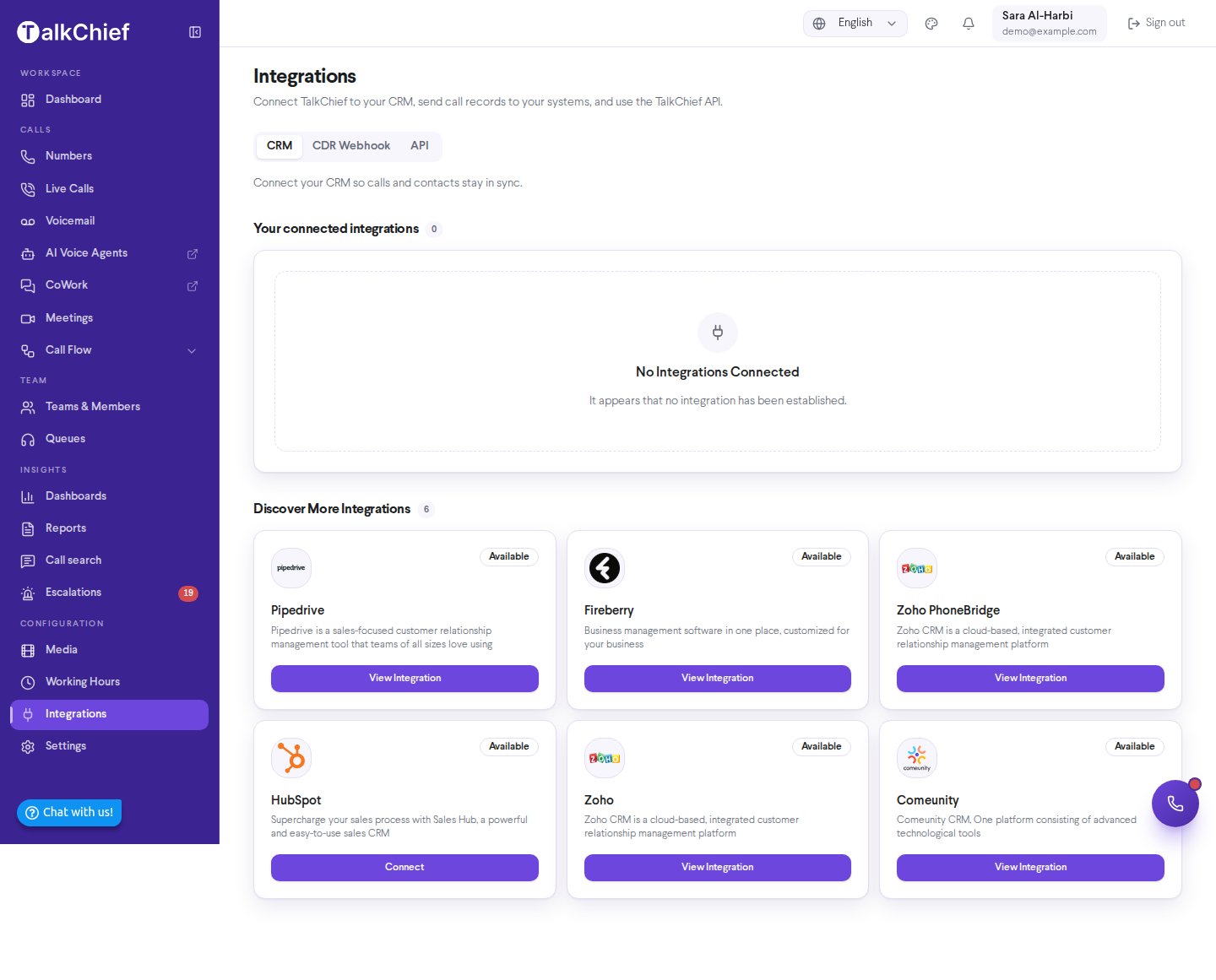
Available Integrations
HubSpot
Log every call on the matching contact, and call from inside HubSpot.
monday.com
Log calls on a TalkChief Calls board linked to your monday CRM contacts.
Pipedrive
Log every call on the matching person, with the recording.
HighLevel
Log every call in the contact’s conversation, per sub-account.
Zendesk
Log calls as tickets, and call from the Zendesk top bar.
ActiveCampaign
Log each call as a note and a tag that can start your automations.
Salesforce
Log every call as a task on the matching contact or lead.
Freshsales
Log each call and a Phone sales activity on the right contact.
Microsoft Dynamics 365
Log every call as a completed phone call on the contact or lead.
Bitrix24
Log every call in Bitrix24 telephony and CRM, with the recording.
Zoho CRM
Connect Zoho CRM, or use Zoho PhoneBridge to place and receive TalkChief calls inside Zoho.
Fireberry
Keep Fireberry customer records and call activity in sync with TalkChief.
Comeunity
Sync TalkChief call activity with your Comeunity CRM records.
Custom Integrations
TalkChief has delivered customer-specific ecosystem integrations for organizations that need calling embedded directly into their own internal platforms or bespoke toolchains. These engagements go beyond the standard catalog above and are scoped individually for each customer. A custom integration engagement follows a structured process: a discovery conversation to understand your requirements, a feasibility and technical review, a security and data handling review, and a commercial agreement before any build work begins. This process ensures the resulting integration is secure, supportable, and aligned with your architecture. Custom integrations are not automatic entitlements under any TalkChief plan. To explore whether a custom integration is right for your organization, contact the TalkChief sales team to start a discovery conversation.Developer Integration
If you need programmatic or trigger-based calling — for example, initiating calls from a script, a webhook, or an internal tool — TalkChief exposes a developer API. Start with the Developers Overview for a summary of what is available, then see the REST API reference for endpoint details and authentication.Integration actions and feature availability vary by TalkChief plan and account configuration. If a feature described in these pages is not visible in your account, check your plan or contact your TalkChief administrator.